Beta Technologies
NEP 2020 Aligned Foundational & Preparatory Stage

Smart Techies From ABC to AI

Computer Science, Robotics & AI — One Book, Zero Compromise

Smart Techies computer science textbooks for Grades 1–5 cover the complete syllabus and give children real coding, robotics and AI projects, taught in your existing computer period by your own teachers. We give your teachers the software, the Fable robot kit and training.

No coding knowledge needed Affordable Fable robot kit QR video links in every book
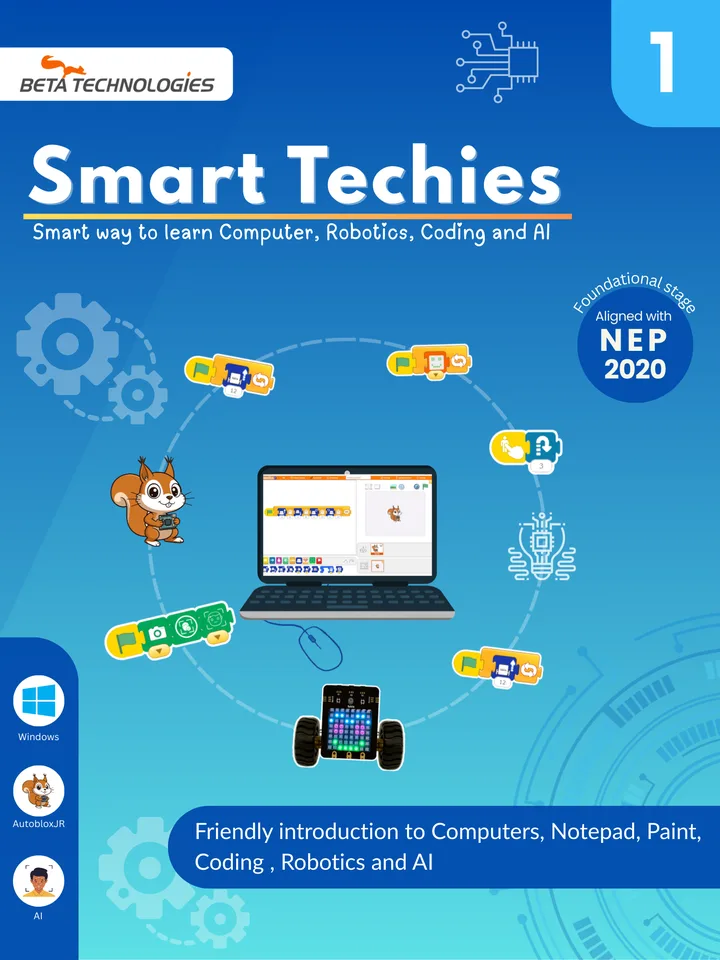
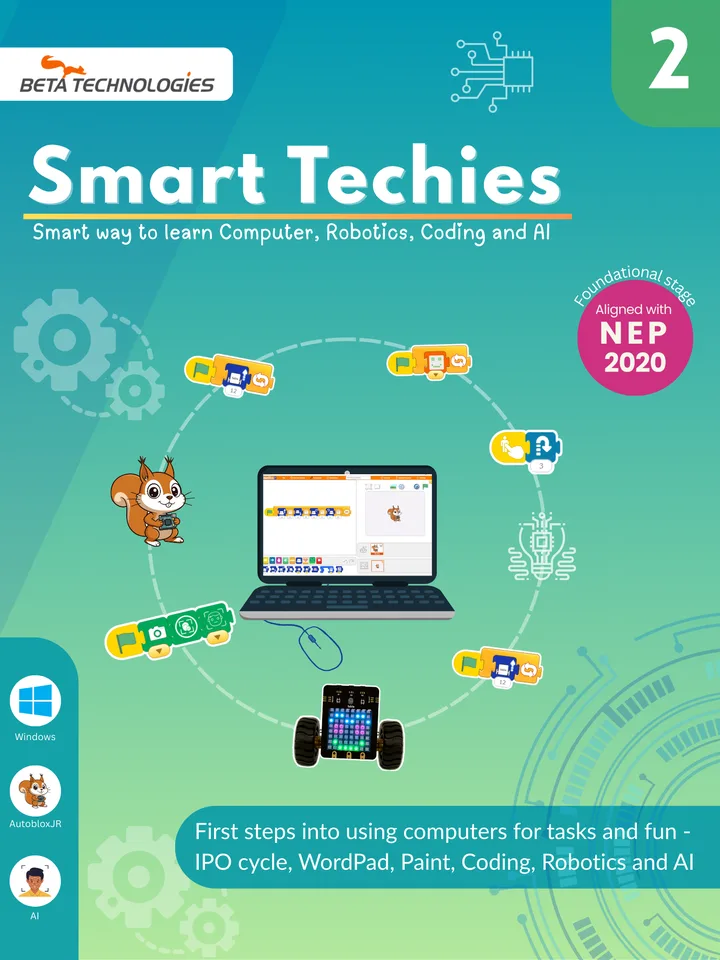
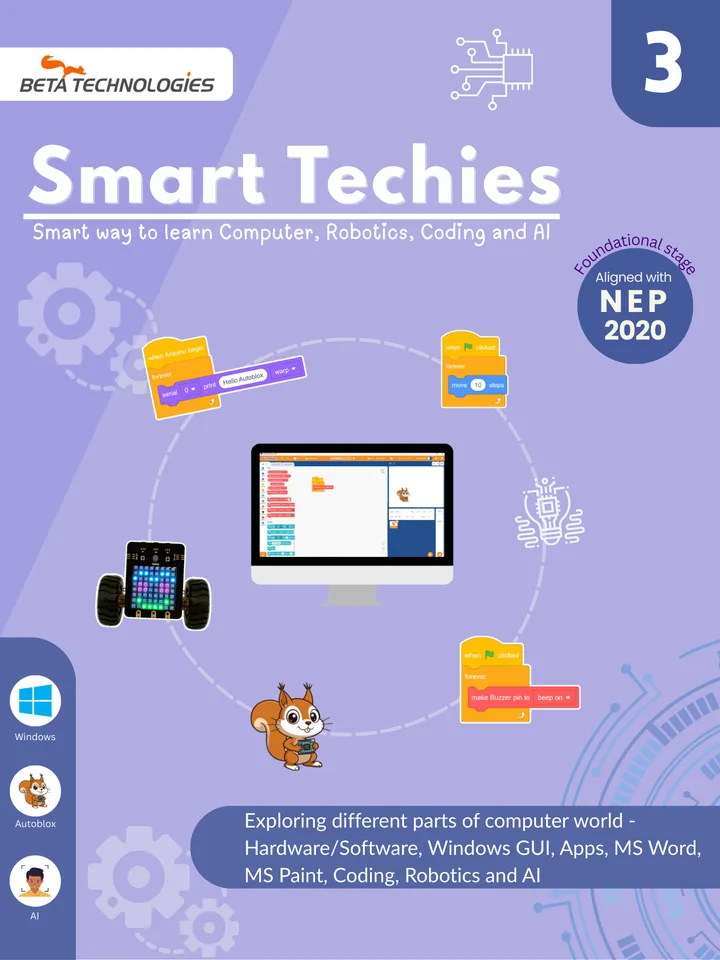
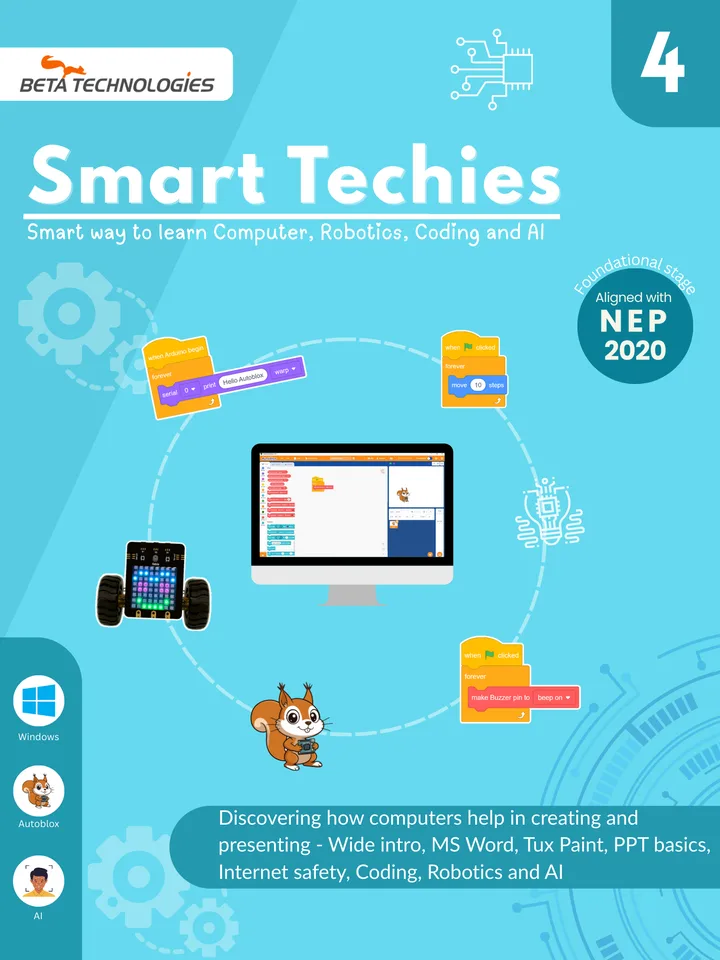
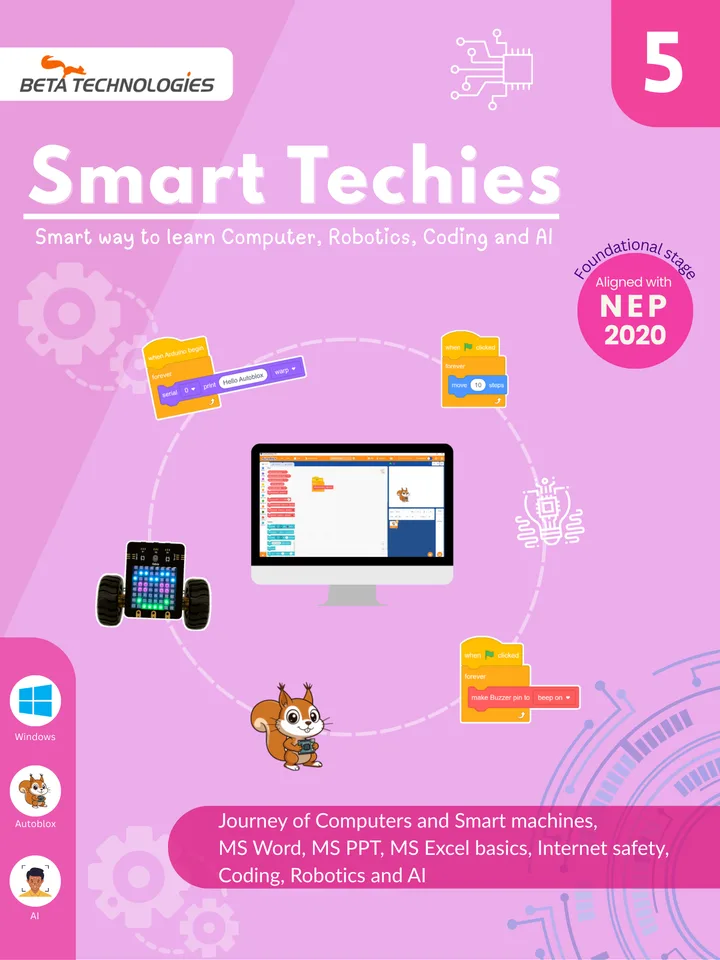
Smart Techies Grade 1 computer science, robotics and AI textbook cover Smart Techies Grade 2 computer science, robotics and AI textbook cover Smart Techies Grade 3 computer science, robotics and AI textbook cover Smart Techies Grade 4 computer science, robotics and AI textbook cover Smart Techies Grade 5 computer science, robotics and AI textbook cover
The Curriculum

One book replaces your computer book, and adds far more

Core computer science concepts are taught in an age-appropriate way, with nothing left out. Coding, robotics and AI sit inside the same book, so you do not need an extra period, a separate lab or an outside trainer.

when school year starts
learn computers, Paint and Word
code with AutoBlox
build and move a robot
teach the computer to see faces
repeat every grade 1 → 5
Full syllabus

Computer Science

A strong foundation every school expects.

  • Parts of a computer, hardware and software
  • Windows, Notepad, WordPad and Paint
  • MS Word, PowerPoint and Excel basics
  • Internet safety

Coding

Logical thinking through drag-and-drop blocks.

  • Sequences and patterns
  • Loops, events and conditions
  • Animations, stories and games

Robotics

Children program a real robot, not just a screen.

  • Motors and movement
  • LED matrix, sounds and buzzer
  • Touch and other sensors

Artificial Intelligence

AI and computer vision, made simple for kids.

  • What AI is and how machines "see"
  • Face detection with the webcam
  • Hand gesture recognition

Your existing computer teacher can teach all four. We train them.

Our Own Software

Two coding apps that grow with the child

Children program by snapping blocks together, so there is no typing and no syntax errors. The same app runs the on-screen character, the robot and the AI projects.

Grades 1 & 2

AutoBlox Jr

A picture-based block app for first programmers who are still learning to read. Big icon blocks join left to right, like a train.

  • Icon blocks with no reading required
  • Drive the Fable robot in just a few blocks
  • Camera blocks for face and hand gesture AI
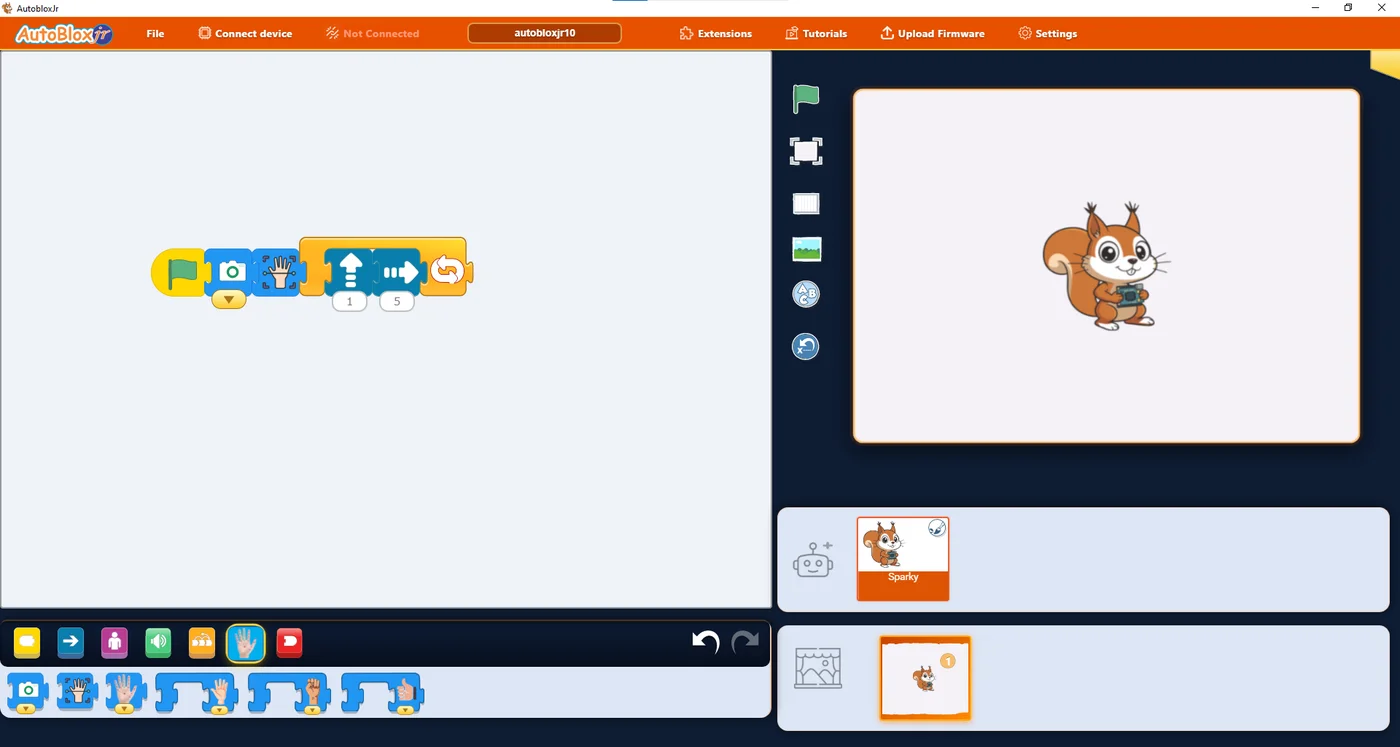
AutoBlox Jr screen with picture blocks for camera, hand gesture, move and repeat
Grades 3 to 5

AutoBlox

A full block-programming environment for coding, robotics and AI, with the same stage and sprite ideas children already know.

  • Loops, conditions, events and variables
  • Robot blocks for motors, sensors, display and sound
  • Free Windows download for school labs
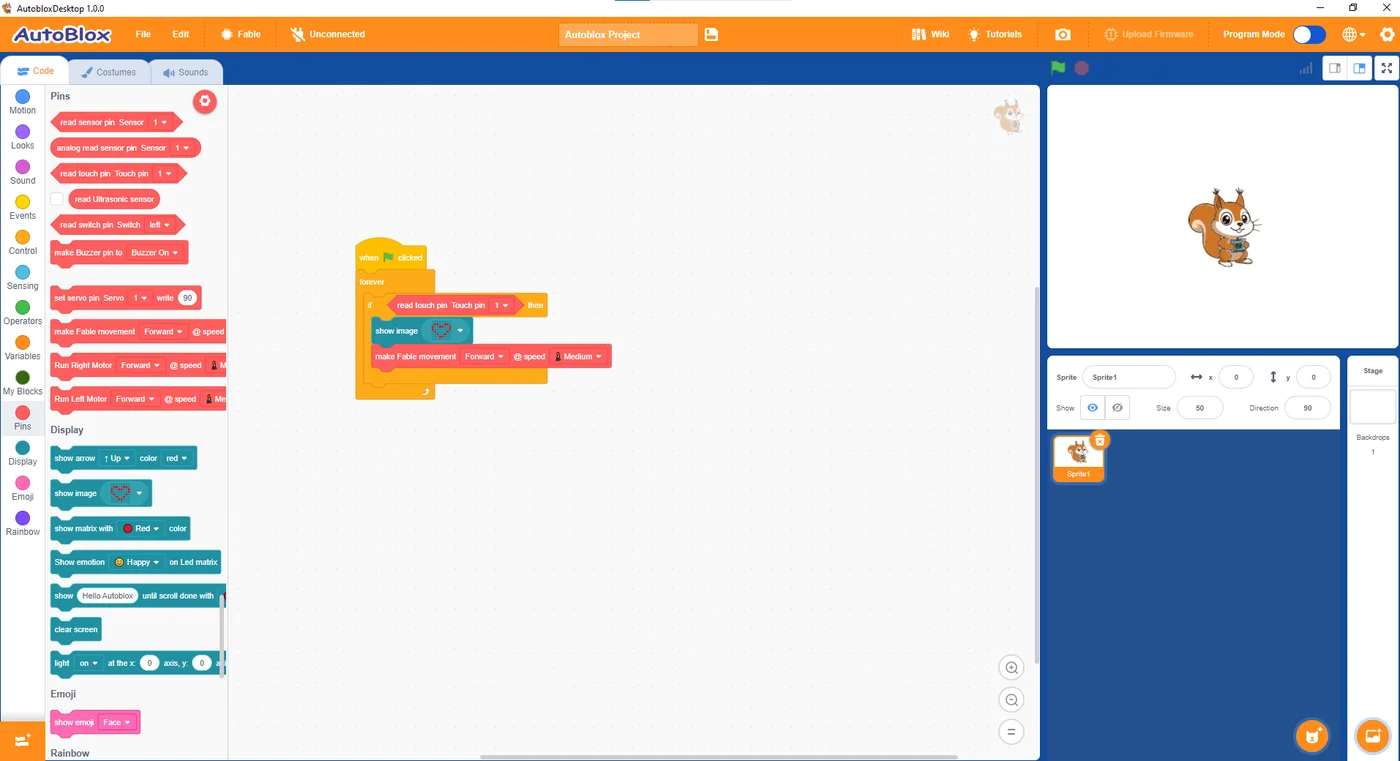
AutoBlox screen with robot blocks and a program that reads a touch pin and moves the robot
A real Grade 3+ project

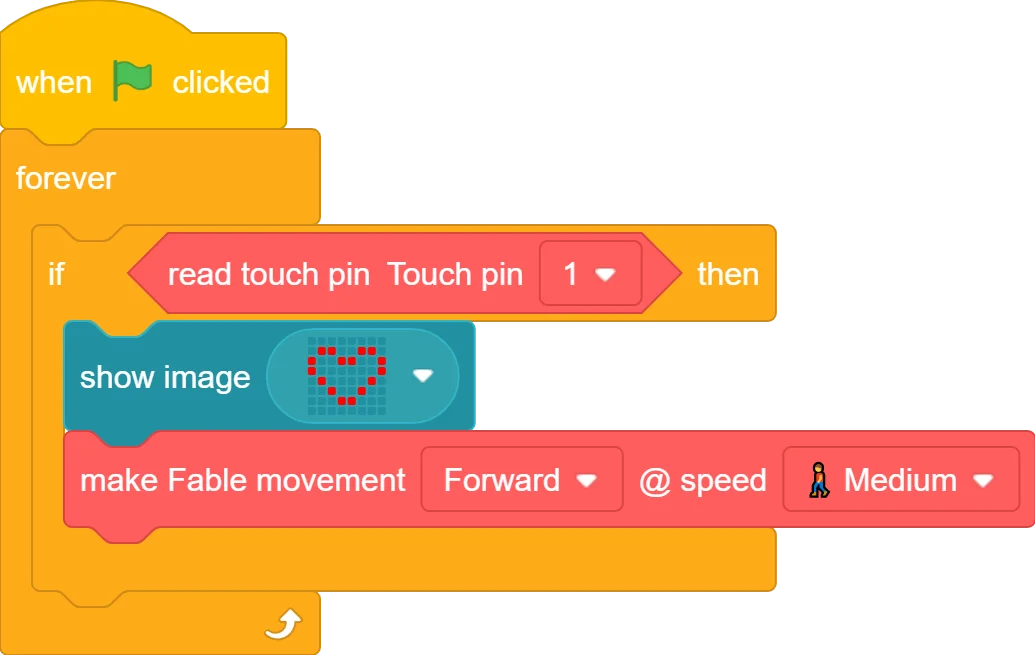
Touch Fable, and it smiles and drives

This program repeats forever. When the child touches a touch pad, Fable shows a heart on its LED matrix and moves forward. One small program teaches events, loops, conditions and outputs.

Download AutoBlox for Windows
AutoBlox program: when flag clicked, forever, if touch pin 1 is pressed then show heart image and move the robot forward at medium speed
The Robot Kit

Meet Fable, the robot children program

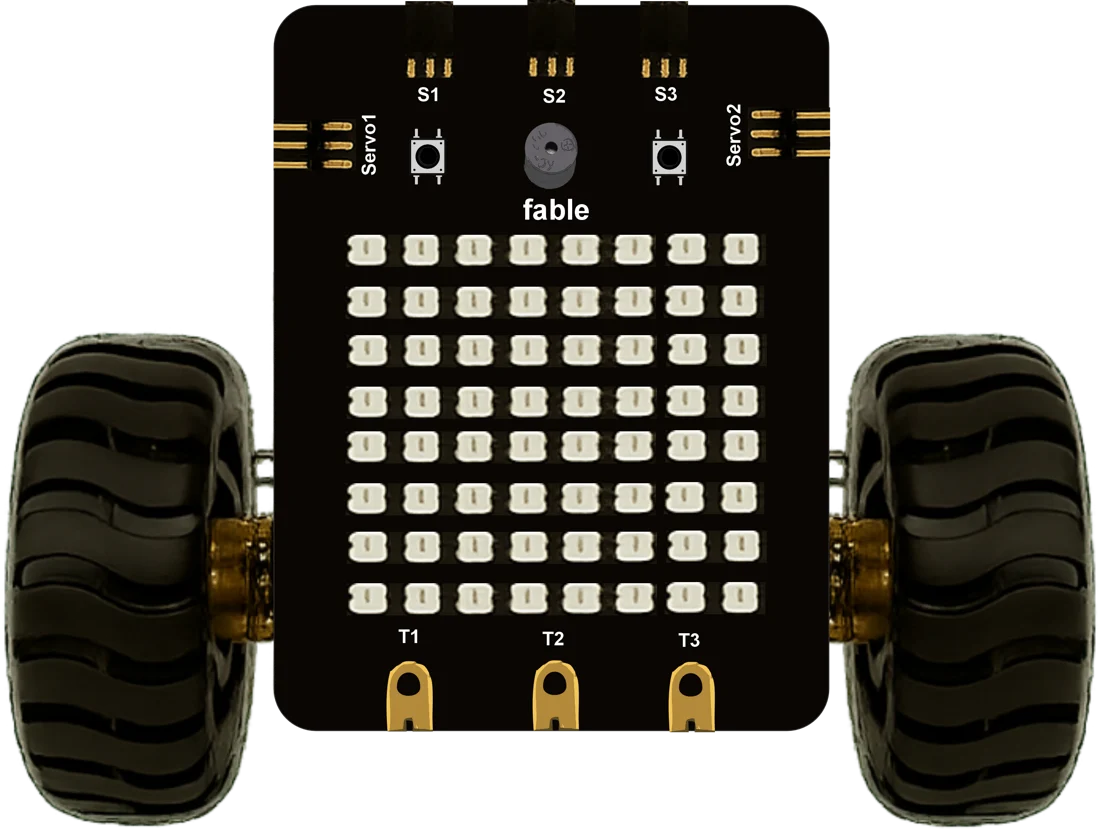
Fable is our own robot, built for classrooms and priced affordably. Children see their code come alive: it drives, lights up, beeps, and reacts when they touch it. The same robot is used from Grade 1 to Grade 5 with AutoBlox Jr and AutoBlox.

The Fable robot: a black board with an 8 by 8 LED matrix, buzzer, two buttons, three touch pads, sensor and servo ports, mounted on two wheels
    Grade by Grade

    What children learn in each book

    Skills build step by step, from first mouse clicks in Grade 1 to Excel and AI projects in Grade 5. Turn the pages to look inside each book.

    How Smart Techies compares

    Most schools choose between a regular computer book and a separate robotics program. Smart Techies gives you both in one book.

    Feature Regular computer book Separate robotics program Smart Techies
    Everything Your School Gets

    More than a textbook

    We stay with your teachers through the year, not just on delivery day.

    Fable robot kit at an affordable cost

    Our own classroom robot with wheels, an LED matrix, touch pads and sensor ports, which your school owns and reuses every year.

    Simplified coding software

    AutoBlox Jr and AutoBlox run on your existing Windows computer lab and match every chapter in the books.

    AI and computer vision for kids

    Face detection and hand gesture projects that use a regular webcam, explained in simple steps.

    QR code video links

    Scan a code in the book to watch how each project is built, in class or at home.

    Online tutoring for teachers and students

    Live help when a teacher or child gets stuck on a lesson or project.

    Teacher-friendly lessons

    A clear, book-based syllabus with lesson plans and guided activities, so any computer teacher can teach it well.

    How to bring Smart Techies to your school

    1. 1

      Request a specimen copy

      We send sample books so your team can review the curriculum.

    2. 2

      See a live demo

      We visit your school, and your teachers try the Fable robot and an AI project.

    3. 3

      Add to your book list

      Include Smart Techies in the book list for the new academic year.

    4. 4

      Train and begin

      We train your teachers, install the software, set up the Fable kits and support you all year.

    Questions principals ask

    Does Smart Techies cover the full computer science syllabus?

    Yes. Core computer science concepts are taught in an age-appropriate way in every grade. Coding, robotics and AI are added inside the same book, so nothing is removed.

    Our teachers don't know coding or robotics. Can they teach this?

    Yes. All programming is block-based, so no coding knowledge is needed. The syllabus is book-based with clear lesson plans and guided activities, and we provide teacher training and online tutoring support.

    Which software do the children use?

    Grades 1 and 2 use AutoBlox Jr, a picture-block app for early readers. Grades 3 to 5 use AutoBlox, a full block-coding environment. Both are our own software and run on Windows computers.

    Do we need a separate robotics lab?

    No. Your existing computer lab is enough. The Fable robot kit is used during the regular computer period.

    How does the Fable robot kit work?

    Fable is our own robot, priced affordably so schools can buy it once and reuse it across sections and years. Contact us for a kit plan based on your student numbers.

    Is Smart Techies aligned with NEP 2020?

    Yes. The series follows NEP 2020's emphasis on experiential, activity-based learning and computational thinking, starting from the foundational stage.

    How do we get a specimen copy or the detailed syllabus?

    Fill in the form below or call us on +91 96003 35987 or +91 88700 05987, and we will send specimen copies and the detailed syllabus.

    For Schools

    Get a free specimen copy for your school

    Tell us about your school, and we will send the sample books, a detailed syllabus, and arrange a demo.

    Grades you are interested in